

Sometimes. Don't buy on the plug alone. A familiar connector or “ECHOMAP” in the display name doesn't establish that your existing transducer can be reused, or that every sonar mode you want will work. Check the exact display and transducer models, any sonar module that sits between them, the connection path and the individual features you want.
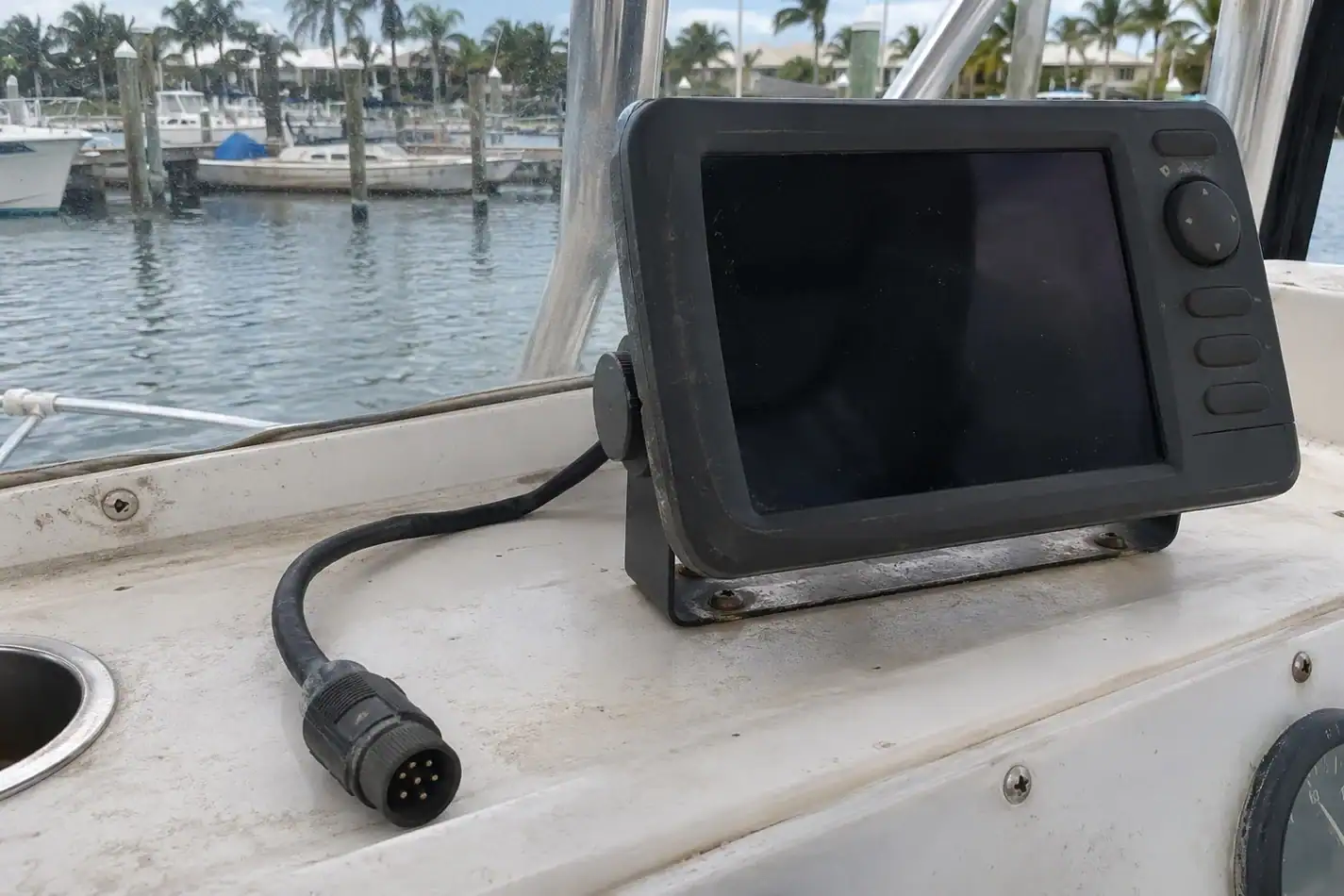
Step 1: Get the actual model names
Use the original equipment paperwork, manufacturer label or part number on the existing equipment, and the full model number of the display you're shopping for. If a transducer label is hard to reach, ask the installer instead of guessing or trying to work under an unsupported boat.
Write down:
- Current display model and model of the replacement display.
- Transducer model or part number, not just what’s printed on the plug.
- Sonar module or network hardware between transducer and display, if present.
- Modes you want to retain: conventional depth/fish finding, down-looking imagery, side-looking imagery, or other features.
- Any adapter already installed or mentioned in the seller's listing.
Step 2: Follow the manufacturer's connection path
Use the Garmin sonar module compatibility guide for supported display/module combinations and Garmin's linked selection guide for the specific transducer. Some systems plug into the display; others communicate through a separate sonar module. A chart that verifies one of those relationships does not automatically verify the other.
Step 3: Check features, not just yes or no
A supported connection is a starting point. Confirm that your exact equipment supports the particular depth and imaging modes you care about, whether an approved adapter is needed, and whether you could lose a feature you use today. Check the product-specific compatibility and installation material before ordering. If a combination is missing or ambiguous, ask Garmin or a qualified marine electronics installer to confirm the full setup in writing; don't choose a cable by connector appearance.
An example where a similar display name can fool you
On Garmin’s UHD transducer compatibility chart, the ECHOMAP UHD SV family is marked compatible with the GT56UHD; the chart does not mark that unit compatible with original ECHOMAP. Those families sound similar but are not interchangeable. Use this as an example of how to read the chart, not a recommendation to order that transducer or an adapter for your boat. Confirm the exact U.S. model, part number and modes in Garmin’s current product resources.
Copy this message to your marine electronics shop
My existing transducer is [part number], my new display would be [exact model], and the system [has/doesn't have] [sonar module]. I want to retain [modes]. Can you confirm the supported connection path, any required Garmin-approved adapter and which modes will work? Please list the exact parts so I can price the complete setup.
If the shop recommends replacement, compare the full price: the correct transducer, any required hardware and professional installation, not only the display price. Treat a listing that says “transducer compatible” without an exact model as a question, not an answer.